
BreezeDoc Updates: New Features & Improvements
Happy Black Friday week! 🤑
Here are the latest improvements we've made to BreezeDoc. Plus, a special deal at the end of the email:
Email Field with Built-In Validation ✉️
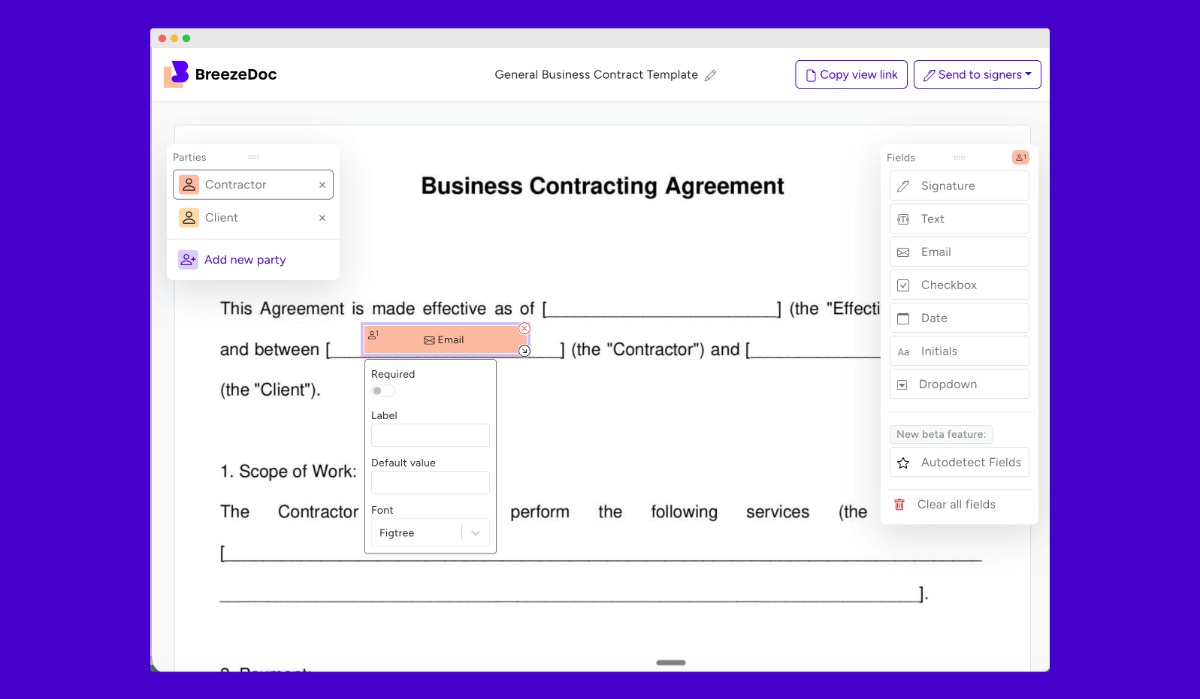
We've added a dedicated email field type to BreezeDoc with automatic validation, making it easier to collect properly formatted email addresses from your document recipients.
How it works:
- Drag the new "Email" field from your document editor onto any document
- Recipients see clear email formatting guidance when they're signing
- Invalid emails are automatically rejected with helpful error messages
- Valid emails are accepted and stored correctly every time
No more manual email validation or follow-up with recipients who entered malformed addresses. The field handles validation automatically and provides clear feedback to your signers.
Document Reminder Email Bug Fix 🔔
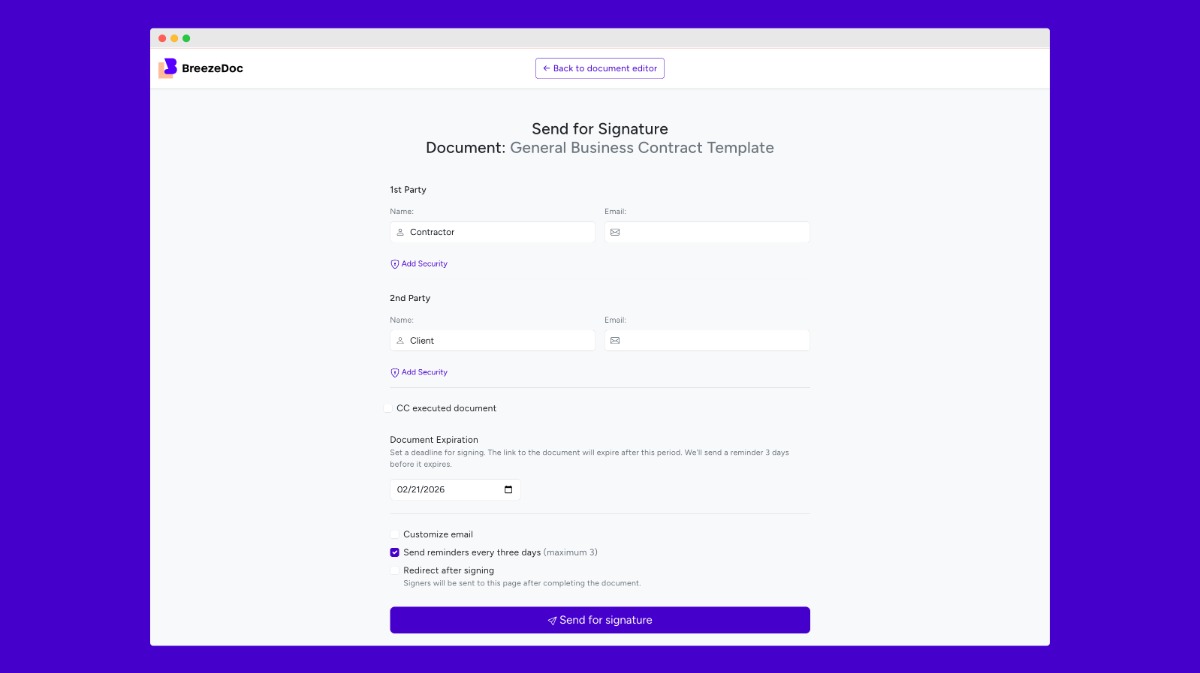
For Lifetime customers, a bug was fixed that was preventing some scheduled reminder emails from being sent.
What was broken: A database timing calculation error meant reminder emails sometimes didn't on schedule.
What's fixed now: Reminder emails now send exactly when they're supposed to. Just enable reminders on your documents and you'll be all set (Individual and Agency plan customers only).
PDF Annotations Stay Preserved 📝
Fixed an issue where PDF annotations like highlights, comments, date stamps, and sticky notes were being stripped from your final signed documents.
When you upload annotated PDFs, all those annotations now stay exactly where you put them in the final signed document. Highlights remain, comments stay attached, and date stamps are preserved as visual elements.
This works automatically for all PDF uploads going forward. Upload your annotated PDFs as you normally would. BreezeDoc now handles them correctly.
Other Updates
- Signature field sizing memory - Resized signature fields are now remembered and applied to newly placed fields of the same type during your editing session.
- Improved signature storage - Fixed database overflow errors for large signatures. Signatures now upload as files, preventing 500 errors during signing.
- Password visibility toggle - Added eye icon to passcode setup to view and verify your password before saving.
- Non-required signature fields fix - Optional signature/initial fields no longer block document finalization when left blank.
- Notification text fix - Fixed messages displaying translation keys instead of actual text across all supported languages.
- Cleaner signature experience - Removed redundant modal overlay when clicking signature fields. Only the bottom interactive box appears now.
- Better PDF upload handling - PDFs with minor issues (duplicate keys, malformed metadata) now upload successfully instead of failing.
- Security updates - Updated dependencies to stay on top of the latest-and-greatest secure versions of our software backend systems.
❤️ & 🌮,
David and the BreezeDoc team
P.S. 🚨 It's Black Friday week at AppSumo. Get 10% off BreezeDoc and all other AppSumo Originals products.
You're receiving this email because you have a BreezeDoc account. If you have any questions or need any help, please reply to this email.
0 comments