
Hey ,
Most people will watch your livestream BEFORE they ever walk through your doors.
So does yours feel a little... rough? 😬
If your livestream needs help, this video will give you 6 FREE and EASY ways to improve it... (no new gear needed)!
I highly encourage you watch it because I show real examples of what to do (and not do).
🚩 WATCH IT HERE
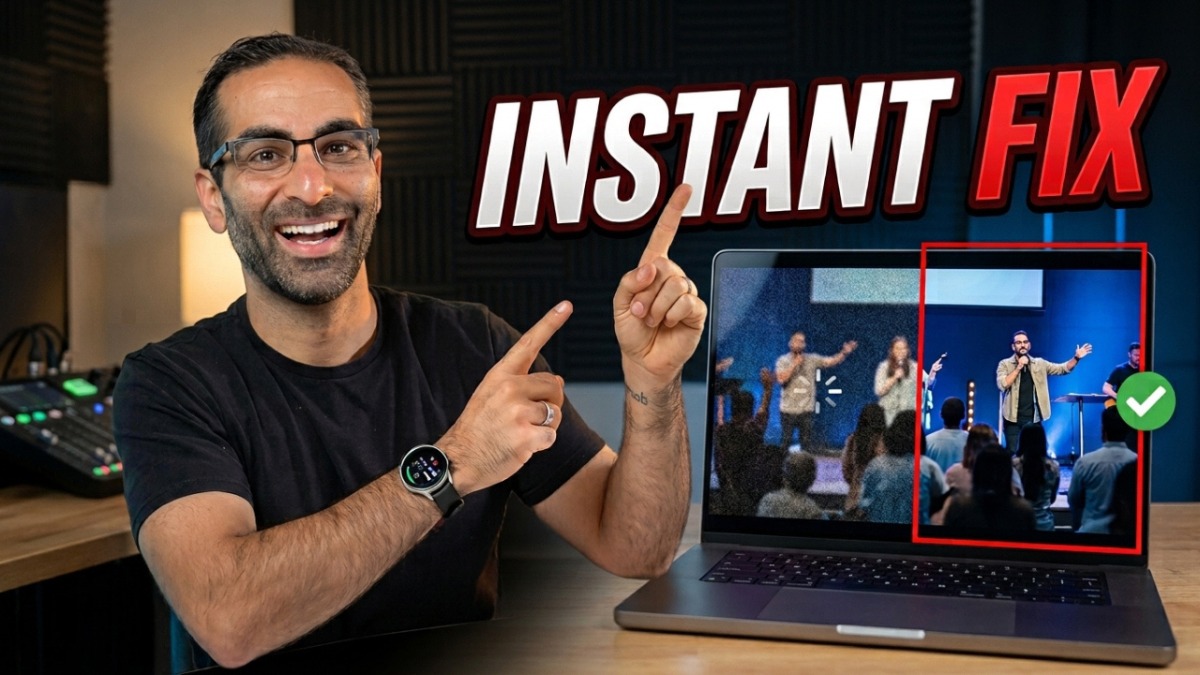
But for my reading friends, here are 3 of the 6:
1️⃣ Cut to the beat - Match your camera cuts to the rhythm of your music. Use faster, more frequent cuts for upbeat songs, and slower cuts with slower dissolves for ballads. Try landing a cut right on the downbeat of the chorus. On a fast song, use a short crossfade or none at all. This creates a cohesive package of both visuals and audio. And it works even if you only have 2 cameras!
2️⃣ Show what you hear - When someone sings or plays offscreen, your viewer's eyes go searching for them (and unlike real life, they can't turn their head). Anytime there's a lead guitar, a keys part, or a strong kick, put it on screen. When a new voice comes in, cut to that singer right then.
3️⃣ Cut the reverb when anyone speaks or prays - Your viewers need clear, intelligible speech, not echo. Reverb and delay are for singing. Put them on a mute group or a fader so your sound tech can pull them down whenever someone speaks. I see this mistake in almost every review I do!
Each of these takes minutes to fix, and your online viewers will feel the difference this Sunday. 🙌
There are 3 more fixes in the video... all of them are free and easy to fix!
The last one has made the BIGGEST difference in my ministries over the long term.
🚩 WATCH ALL 6 HERE
-alex
PS: Want your church's live stream professionally reviewed? We offer live stream reviews, or you can join the Worship Ministry Training Academy where we include quarterly live stream reviews in your membership! Plus you'll get access to our brand new Worship OS software to help you lead your teams with excellence and ease. LEARN MORE HERE

0 comments