Boost Your Bible Study: Inside a Real Logos Workflow
Jul 15, 2025 4:49 pm
Hi there, Bible students and fellow word-lovers!
Are you ready to make your Bible study deeper, smarter, and easier?
This week, I had the pleasure of sitting down with pastor and PhD student Brandon Black for a must-watch interview. Step by step, Brandon walked me through how he uses Logos Bible Software to supercharge his research, teaching, and personal study.
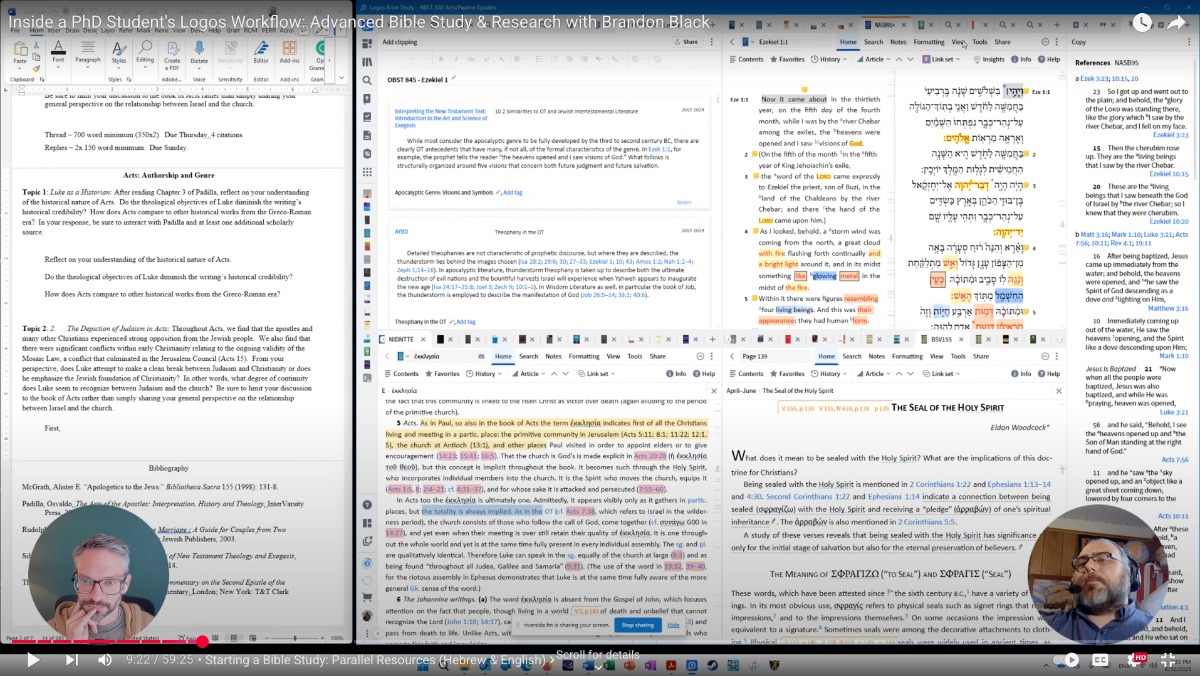
Here’s what you’ll get from our conversation:
- Tips for setting up your workspace for efficient study
- How to use the Passage Guide for instant insights
- When (and how) to use Smart Search vs. Precise Search
- Organizing notes with color-coded highlighting and digital clippings
- Fast tricks for creating bibliographies and citations—perfect for students
- Advice on building your Logos library without overspending
- Why community support is essential for mastering Logos
Whether you’re a pastor, seminary student, researcher, or lifelong learner, this video is packed with practical takeaways. No matter your experience—with or without ancient languages—you’ll discover ways to simplify research, save time, and unlock new depths in Scripture.
Tools & Resources We Discussed:
- Passage Guide
- Bible Word Study
- Smart & Precise Search
- Notes, Clippings, and Bibliography management
- Academic discounts & community Facebook groups
📺 Watch the full interview with Brandon Black and see how you can make Logos work for YOU! I’d love to hear your thoughts in the comments or connect with you in the community for more tips and support.
Blessings on your study journey! 😊
Jason Stone
P.S. I chatted with Brandon Black about expanding the capabilities of our Logos libraries, and Feature Expansions is an efficient way to unlock powerful new research. Check out the available Feature Expansions here.