How to Prep Bilingual Sermons With Logos Bible Software
Jul 29, 2025 1:36 pm
Hi ministry leaders and Bible teachers!
Ever wondered how to prep sermons or Bible studies in two languages—without doubling your effort? Dive into this week’s expert video interview with bilingual pastor Eddie Gil and discover smart tools and efficient workflows in Logos Bible Software.
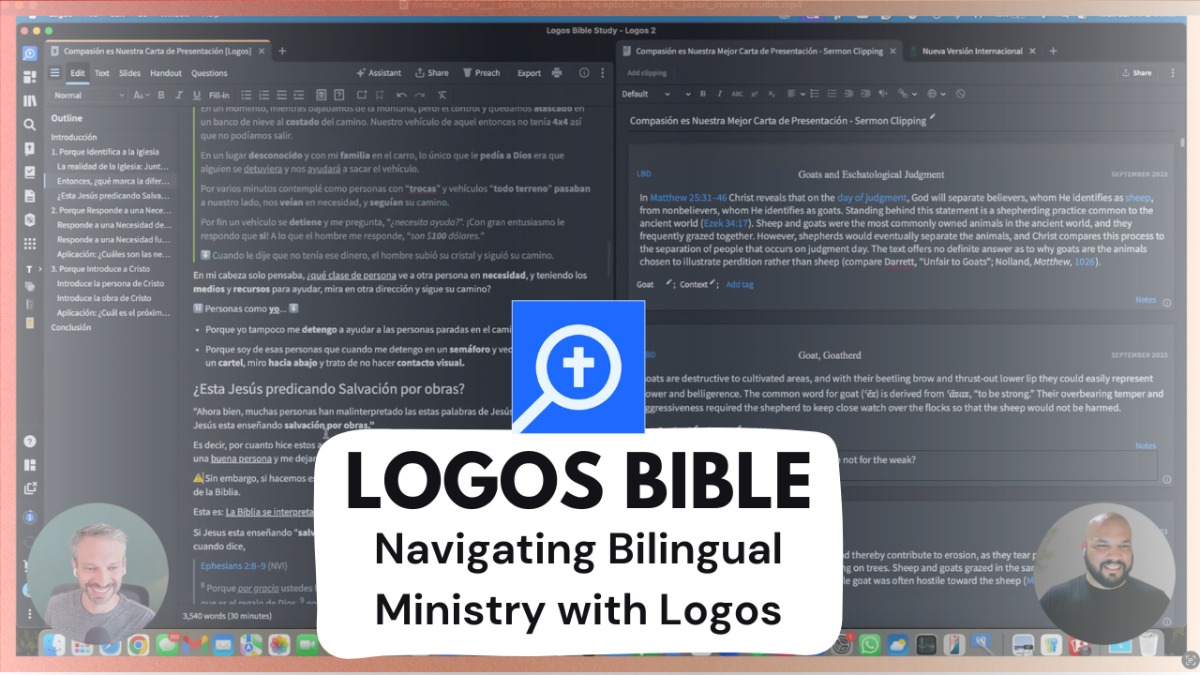
What’s inside:
- Why the English resource library in Logos is a must, even for Spanish ministry
- How to organize research with Clippings, notes, and powerful tagging - Using Logos’ built-in AI to translate key quotes quickly
- Pro sermon-builder tips: outline, drag-to-rearrange, custom cues, and timer for live preaching
- Mac tricks: Instantly switch Logos interface to Spanish for easier reference handling
- Investing in Spanish Bibles, dictionaries, and reverse interlinears
If you split your time between Spanish and English (or any bilingual context), this workflow will save you hours—boosting confidence and clarity for both you and your congregation. From sermon manuscripts to last-minute study notes, Eddie’s setup will help you maximize Logos no matter your setting.
Tools & Links Mentioned:
- Logos Bible Software (with Clippings, Sermon Builder, & AI translation)
- App Language Chooser (Mac)
- Spanish Bible and dictionary resources
- Watch the full video here
Ready to streamline your workflow and serve your bilingual congregation better? Watch now & share your own tips!
Blessings on your study journey! 😊
Jason Stone
P.S. Don’t miss out on the Back to School Sale happening now at Logos.com! It’s the perfect time to upgrade your study resources and save on tools that will support your research and ministry all year long. Shop the deals here.