#3
·
Oct 31, 2026
·
3 min read
What changed on QuickSilicon this week
Click a signal to see the RTL behind it, three new PPA challenges and a timing report you can read.
Click a signal to see the RTL behind it, three new PPA challenges, and a timing report you can read.

| This week on QuickSilicon Click a signal, land on the RTL that drives it | Hi , Most of what went live this week is about debugging: finding the line of RTL behind a wrong value and finding the path that's making your design slow. Here's what changed. | 1 · Source code browser Trace a bug from the waveform back to your codeIf you've used Verdi at work, this will feel familiar. On the waveform page, click a signal and you jump to the RTL that drives it. From there you can follow its drivers back or find the signals it loads, through the design until you find where the wrong value came from. 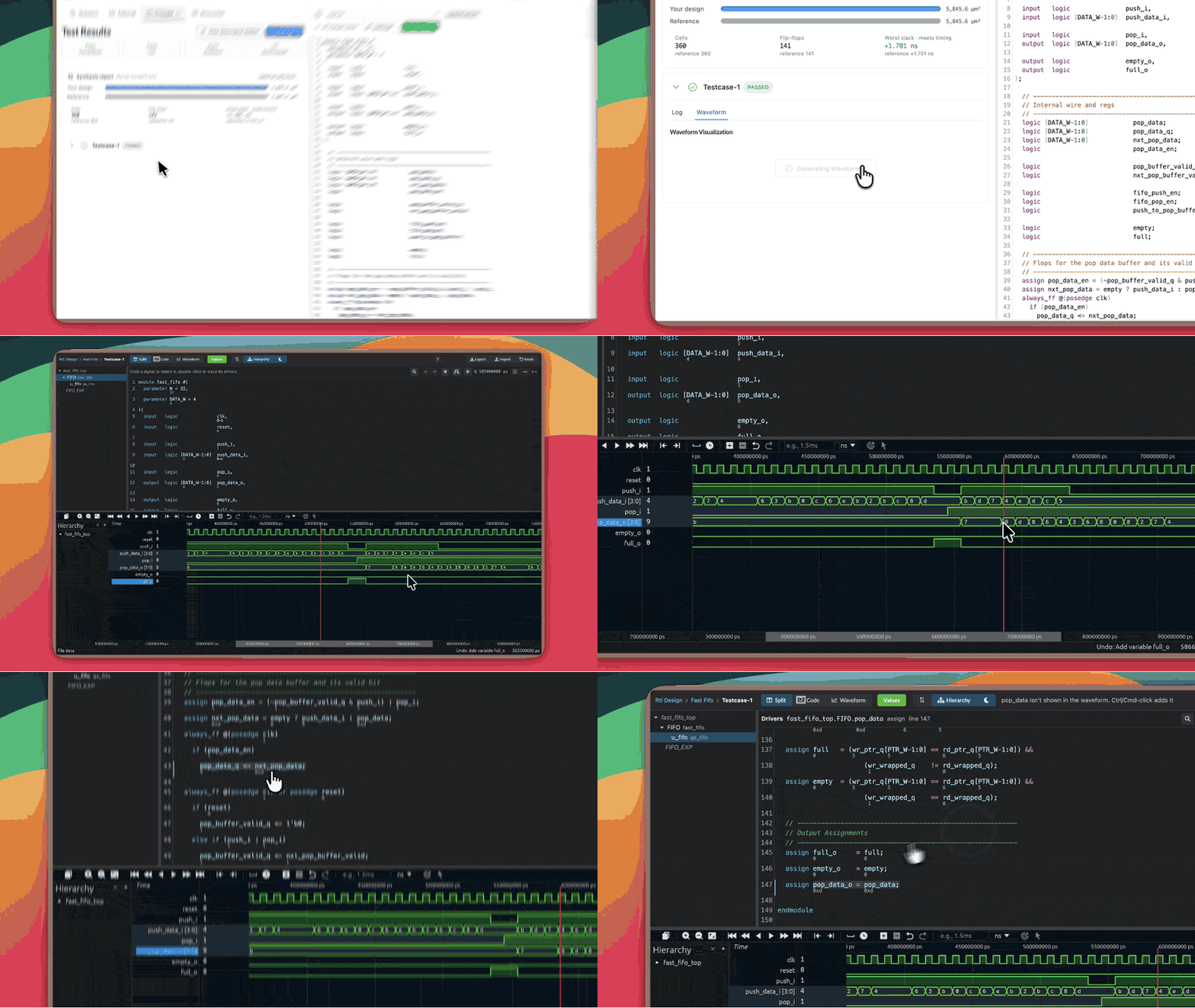
|
| 2 · Three new PPA challenges Make a working design fast and smallEach challenge starts you with code that already passes every test but is slow and large. Your job is to keep the behaviour and improve the timing and area. You're graded against a reference design synthesized on the same production tools that run your code. |
|