Mouse Tester Online
Do you feel that your mouse sometimes behaves differently during gaming? Maybe double-clicks appear unexpectedly, or clicks feel inconsistent.
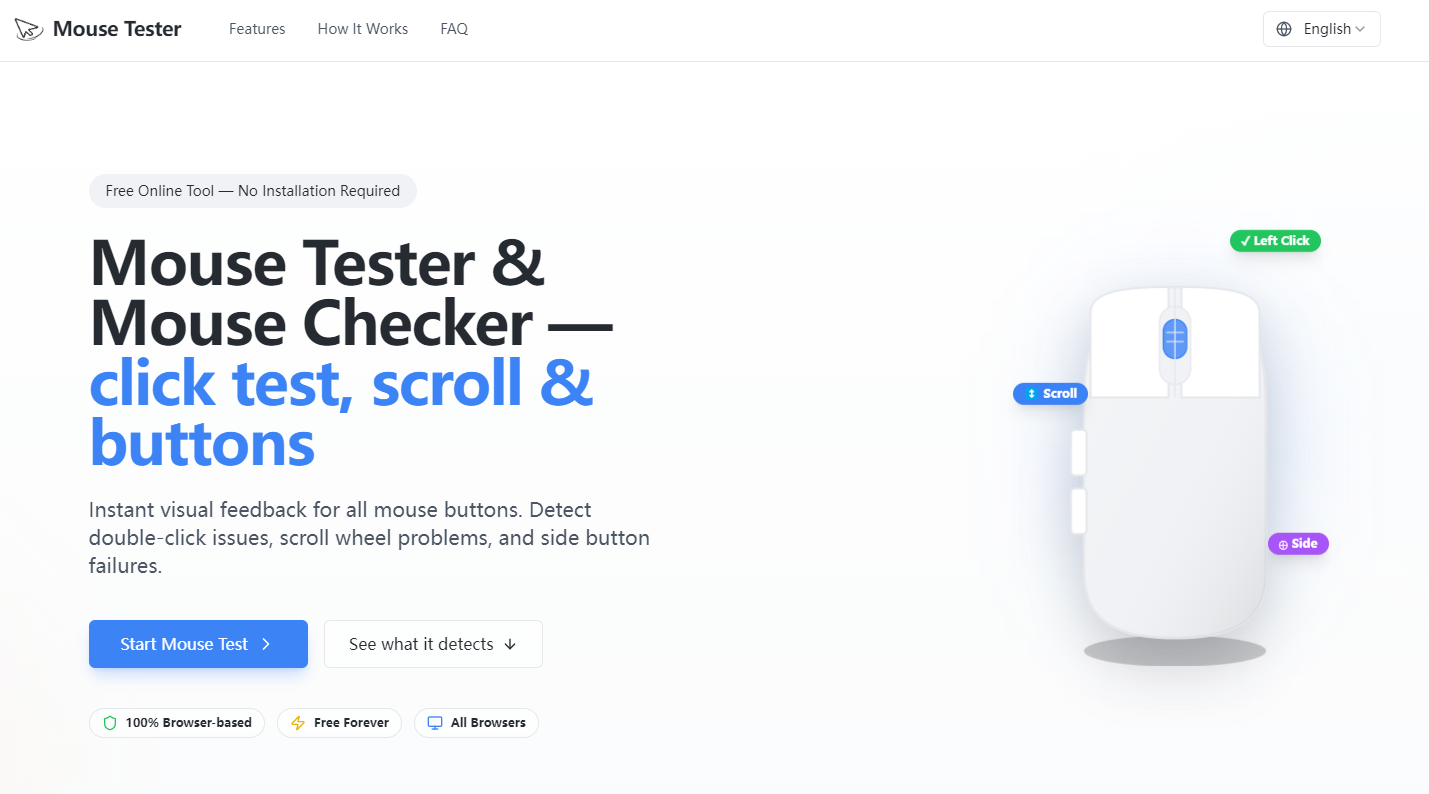
MouseTester.net is a free, browser-based tool that allows you to test your mouse click performance, check for double-click issues, and visualize input timing patterns — all without installing any software.
Why Use MouseTester.net?
- Check Double-Click Behavior
- Detect if your mouse registers multiple clicks when you only intended one.
- Analyze Click Intervals
- Log the time between each click and see if there are irregularities affecting gameplay or precision.
- Test Polling Consistency
- Evaluate how stable your mouse is at high polling rates (1000 Hz and above) — important for competitive gaming.
How to Use
- Open MouseTester.net in your browser.
- Select your mouse from the dropdown (if applicable).
- Click repeatedly in the test area.
- Observe the graphs and logs to see if your clicks are consistent.
Tips for Accurate Results
- Use a wired connection for best consistency.
- Test multiple times to rule out random variation.
- Compare different mice to see which performs better.
Summary
MouseTester.net is an essential online tool for anyone looking to diagnose mouse click issues, analyze input consistency, and ensure high-performance gaming.
Try it now: https://mousetester.net