
Congratulations , you now have access to the Codelessly Flutter UI Builder.
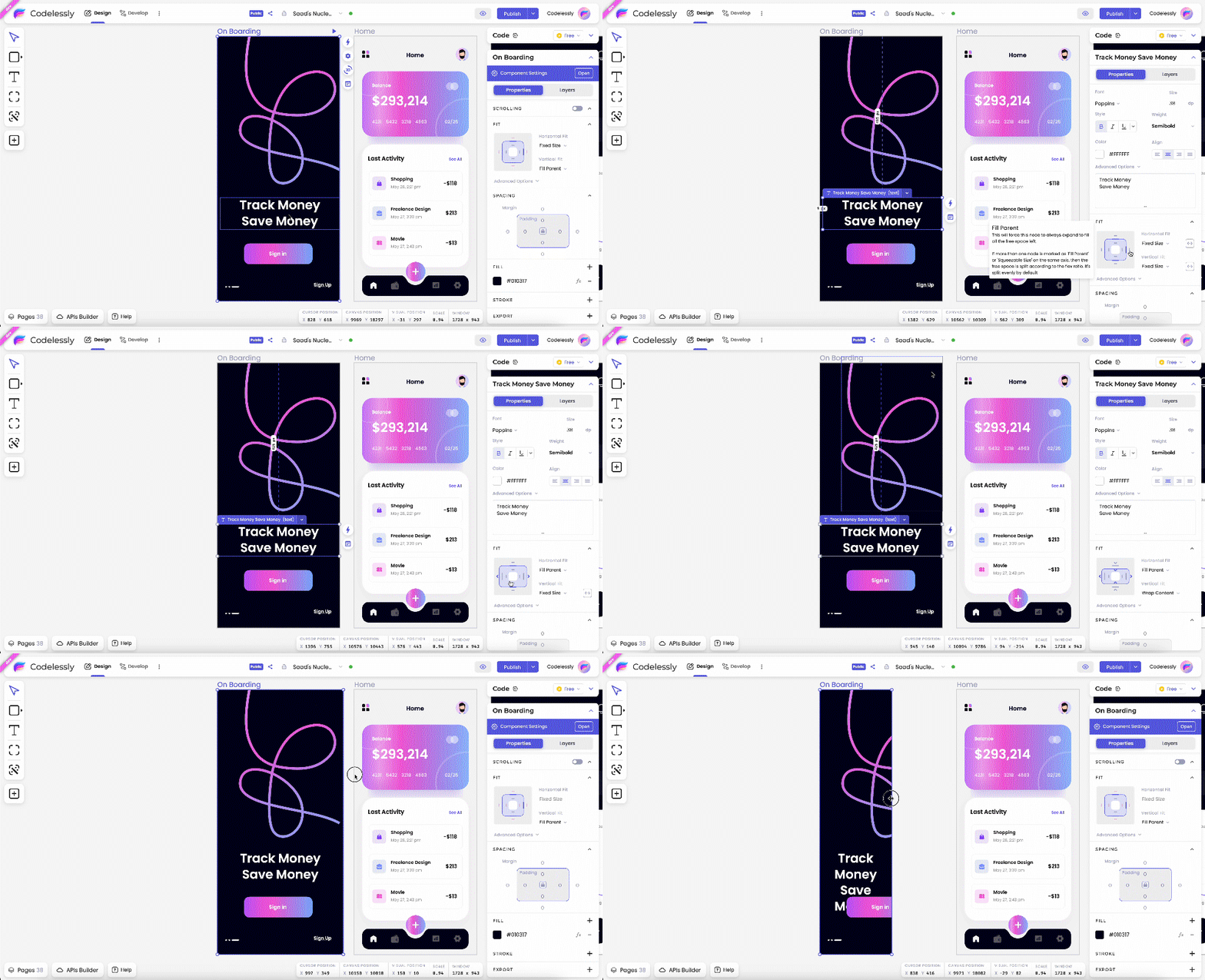
Easy drag and drop + 100% customizable UI
To get started with converting designs to Flutter code, claim your Early Access account at https://app.codelessly.com/
I'm excited for you to save hundreds of hours and bring designs to life with just a few simple clicks – no coding required! Whether it's a webpage or an app screen, you can now simply point, click, and convert to get things done quickly.
Getting Started Instructions
STEP 1: Create an account
Access the Codelessly Editor at https://app.codelessly.com and create your account.
STEP 2: Download the Codelessly Figma Plugin (Design to Code)
Use the plugin to export designs with 98% accuracy to Codelessly and save time.
STEP 3: Create a new project
View our tutorial and guides to get up and running quickly https://docs.codelessly.com/getting-started/welcome
STEP 4: Master editor basics
If you only learn one thing before jumping into using Codelessly, remember this.
Hold down "Ctrl / Cmd" while dragging a widget to enter "layout" mode and build layouts.
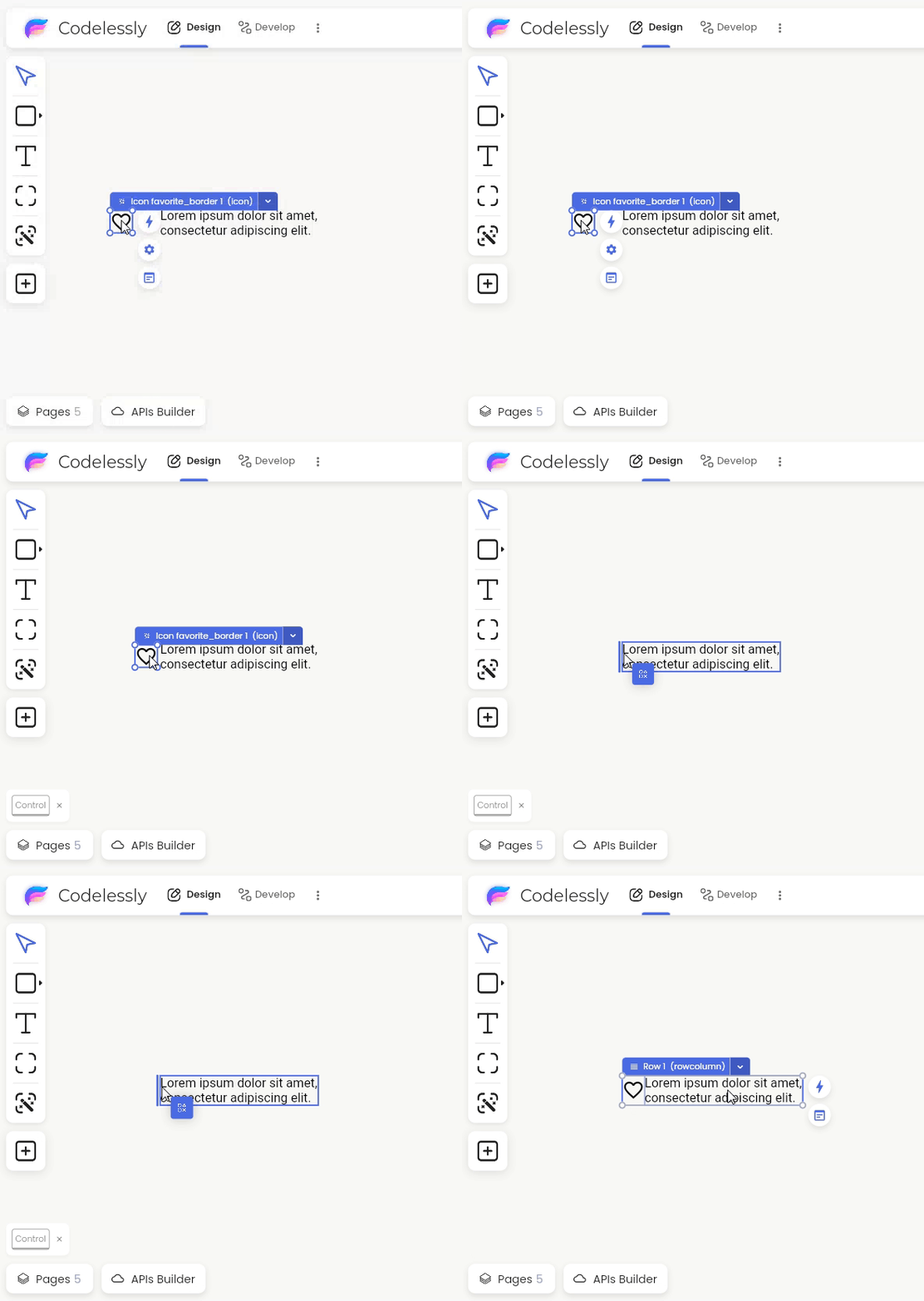
While holding Ctrl/Cmd, drag a widget to the edge of another widget to create rows and columns.
Don't worry, you'll get the hang of it in no time as it's incredibly intuitive.
Tutorials: https://docs.codelessly.com/editor-basics/editor-basics
STEP 5: Copy code and publish UI directly to your apps
Open the code panel to view and copy code.
Press the publish button to host your UI in Codelessly Cloud and enable remote update features.

WARNING: During Alpha, Codelessly has many features that we're working on polishing and documenting. Please send us your feedback and questions.
For Support, Feedback, and Feature Requests, Join our Community
Discord:https://discord.gg/fhAMrwGhC9
Twitter:https://twitter.com/BuildCodelessly
Help Button (located in bottom-left of editor):

Lifetime License
Grab your lifetime license, only during Early Access. If you miss out, it won't be available again.
https://codelessly.gumroad.com/l/lifetime-license
Yours truly,
Ray @ Codelessly


0 comments