Click Counter: A Simple Guide to Online Counting and Click Tests
A click counter is a simple tool for keeping track of repeated actions. Each time you press a button, tap a screen, or use a supported key, the number increases. Instead of trying to remember your total or making marks on paper, you can let the counter handle the counting.
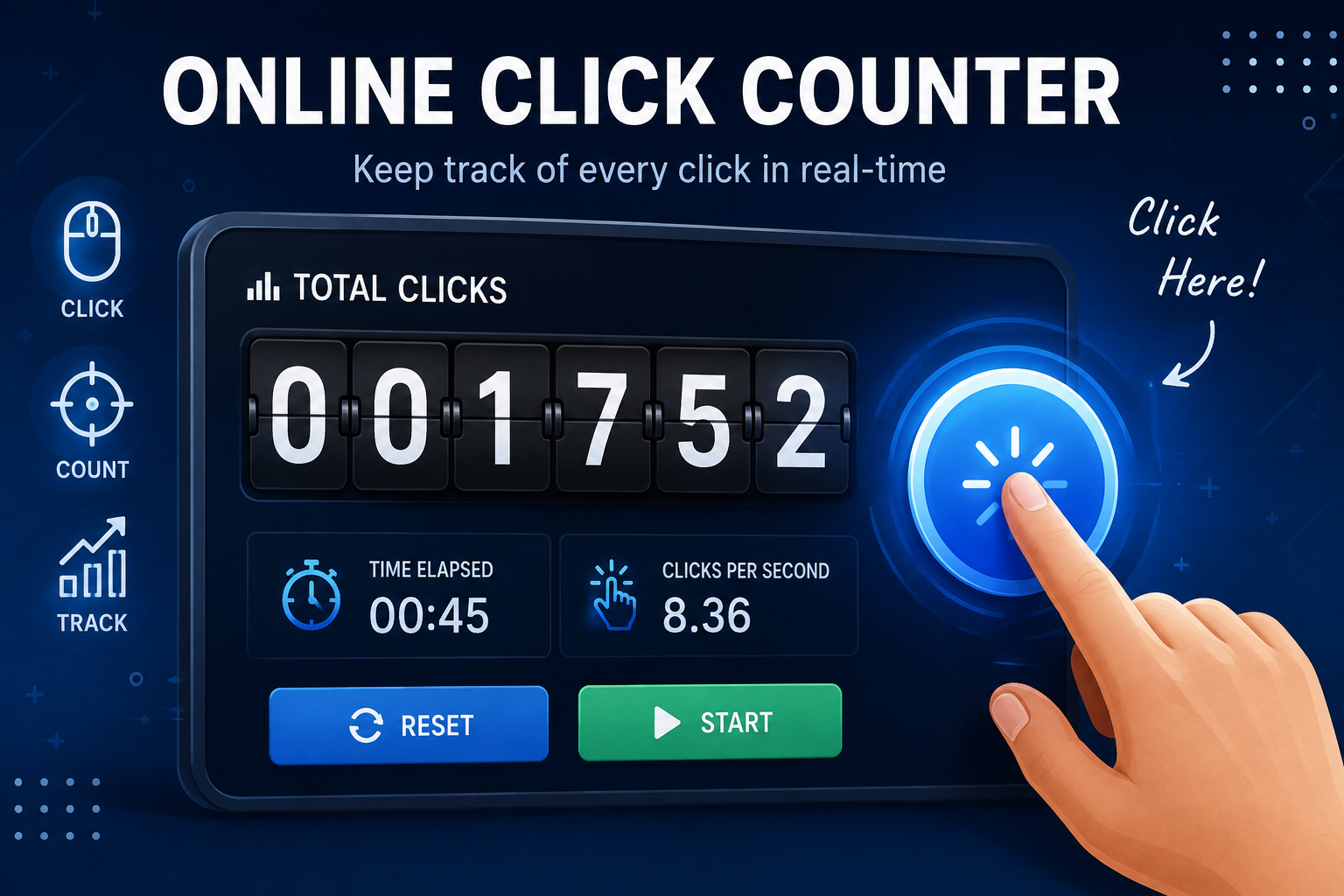
If your goal is to measure how quickly you can click rather than simply record a total, a Click Test is more suitable. An Online Clicker Test can measure your clicks during a chosen time, while a Click Tester can help you check your clicking performance.
What Is a Click Counter?
A click counter keeps a running total as you interact with it. The basic idea is easy: one click adds one count, another click adds another, and the displayed number continues to rise.
Older tally counters used a mechanical button and internal wheels. Each press moved the number forward and often produced the familiar clicking sound. A digital counter performs the same basic task electronically and displays the result on a screen.
An online counter is useful when you need to track something repeatedly without losing your place. You might count exercise repetitions, packages, visitors, rows in a knitting project, or observations during a simple activity.
How Does an Online Counter Work?
An online counter registers an interaction and updates the number displayed on the page. Most start at zero, although some allow you to choose a starting value.
Using one is usually simple:
Open the counter in your browser.
Press the main button once for each item or action.
Use a minus or undo control if you make an extra count.
Press reset when you want to start a new session.
Some tools also support the keyboard. Spacebar or Enter input can be useful on a computer because you do not need to move the mouse to the counting button each time.
Common Uses for a Counter
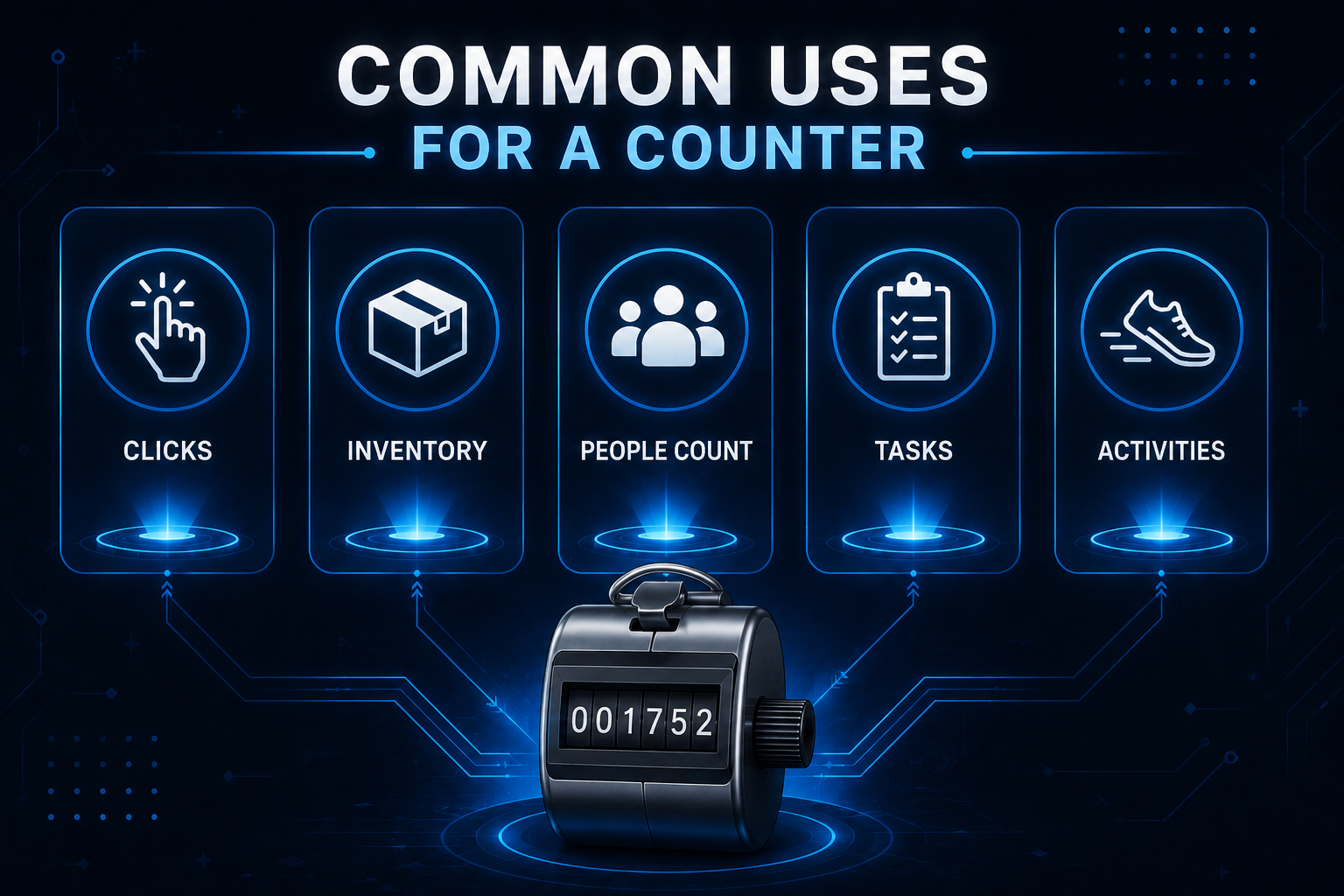
The usefulness of a counter goes well beyond gaming. Any activity involving repeated actions can benefit from a visible running total.
Fitness and Exercise
A counter can help track push-ups, squats, sit-ups, jumping jacks, laps, or other repetitions. Press the button after each completed movement and you can see your progress without trying to remember the number.
Inventory and Product Counting
A digital counter can be useful for quick inventory checks. Someone counting boxes, packages, or products can increase the total after each item.
Events and People Counting
Event staff can use a counter to record visitors entering a venue, customers passing through an area, or participants joining an activity.
If you need separate totals, a multiple-counter feature can help. One counter can record entries while another records exits.
Crafts and Knitting
Crafters often need to remember rows, stitches, or repeated sections of a pattern. A digital counter provides a quick way to keep that number visible while working.
Instead of writing down every completed row, you can increase the total after each one.
Prayer and Meditation
A counter can also be used for prayers, mantras, meditation repetitions, or other repeated practices. A touch-friendly interface makes this convenient on a smartphone.
Counter vs. Timed Click Test
These tools are related, but they are designed for different purposes.
A Click Test usually measures clicking performance during a fixed period. Instead of simply recording a total, it focuses on how many clicks you can make within a set amount of time.
An Online Clicker Test works in a browser and may offer different test durations, such as 1, 5, 10, or 60 seconds. At the end, you may receive a result showing your average clicks per second.
A Click Tester is another term that can describe a tool for checking clicking ability or speed. Features vary between websites, so the exact experience depends on the tool.
The important distinction is simple: use a counter when you need to know how many actions you completed, and use a timed test when you want to measure clicking speed.
Click Counter vs. Tally Counter
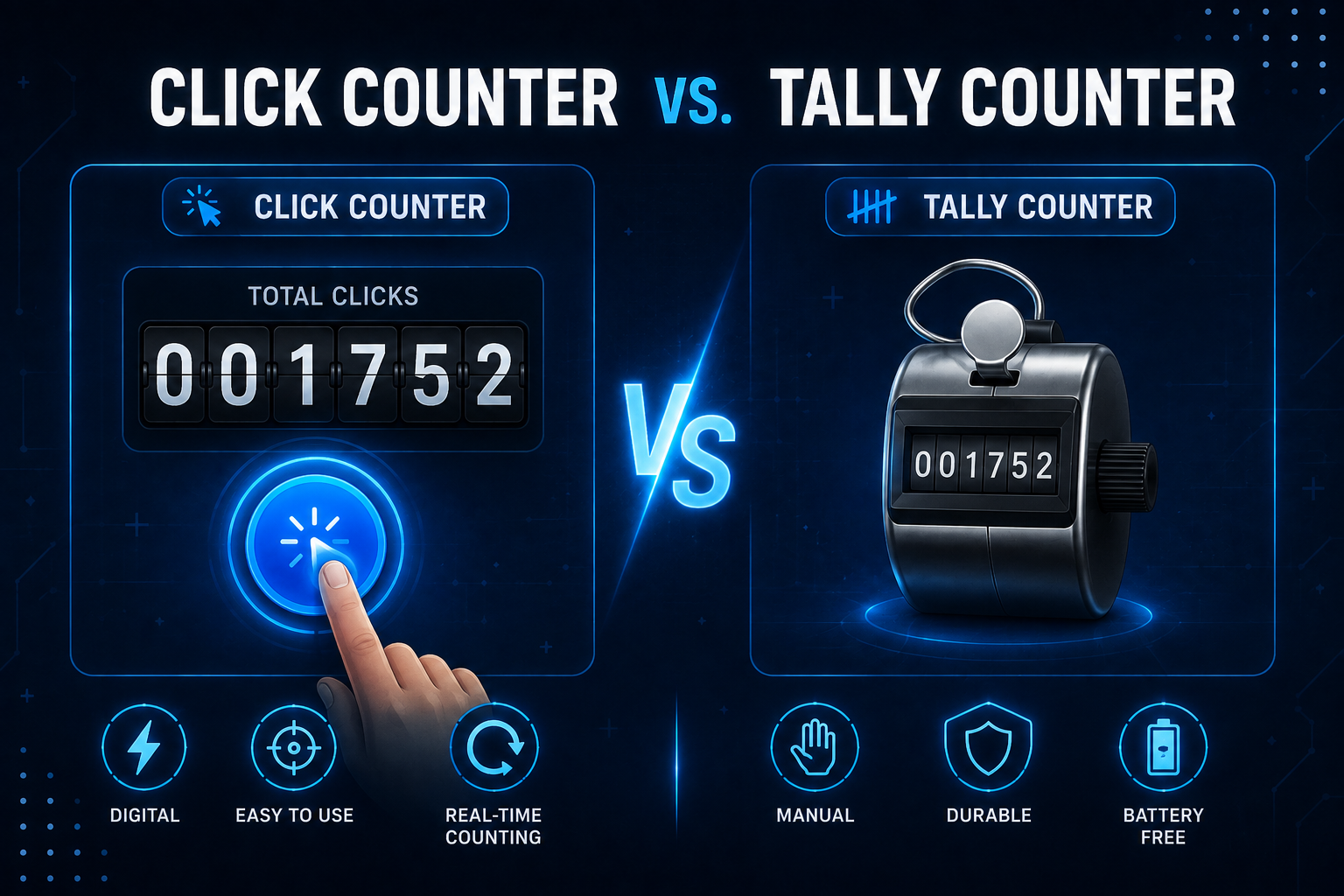
A traditional tally counter is normally a handheld mechanical device. You press its button and an internal mechanism advances the number. An online version performs the same basic job digitally through a mouse, touchscreen, or keyboard.
The term can refer to either a physical device or a digital counter. The purpose is essentially the same: record repeated actions without requiring you to remember every number.
Features Worth Looking For
Not every online counter offers the same controls. A few practical features can make a noticeable difference.
Easy controls: The main button should be large and obvious.
Reset: A clear reset option lets you begin a fresh session quickly.
Undo or minus: This helps correct an accidental count.
Keyboard support: Spacebar or Enter input can make desktop counting more convenient.
Mobile support: Buttons should be comfortable to tap on a phone.
Custom increments: Counting by 2, 5, or 10 can save time when handling groups.
Multiple counters: Useful when several categories need to be tracked at once.
Privacy information: If a tool stores session data, its privacy policy should explain how that information is handled.
How Does a Timed Test Measure Speed?
A timed test normally counts the number of clicks made during a fixed period and uses that result to calculate a clicking rate.
For example, if you make 30 clicks in 10 seconds, your average speed is 3 clicks per second. This is commonly called CPS.
An Online Clicker Test can be useful for casual practice, gaming, or comparing your own results over time. Your score can change depending on your mouse, clicking technique, browser, and consistency.
A Click Tester should therefore be viewed as a simple performance tool rather than a scientific measure of computer skill.
Can You Use an Online Counter on Mobile?
Yes. A browser-based counter can work on a smartphone or tablet when the website is designed for touch screens.
Final Thoughts
This type of tool is a practical way to keep track of repeated actions without relying on memory or handwritten notes. It can help with exercise, inventory, events, crafts, research, meditation, and many other everyday tasks.
If you only need to record a total, a basic counter is usually enough. If you want to find out how many clicks you can make during a specific period, a timed click test is a better option. A Click Tester can also be useful when you want to practice or check your clicking performance.
The best choice depends on your goal. For ordinary counting, use a simple counter. For speed measurement, choose a timed test. Either way, a browser-based tool can make repetitive counting easier.