
Congratulations to AndrewB who won our March giveaway!
This weekend (Easter Weekend), you'll find us at the annual Kramat Festival in Macassar - a gathering centered around family, community and spirituality. We are providing free WiFi at this event as we do every year. Visit our booth from Saturday onward for festival-only discounts and competitions or just pop in and say hi to our team.
-----
Social media
We're curious - what social media platforms do you use the most? Are you a TikTok star, Insta-famous, have a million Facebook followers, or spend your days on WhatsApp?
Tech Talk
Our guest writer this month is Eben Erasmus.
Why Some Websites Suddenly Stop Working
If certain websites aren’t working on your Cape Connect connection—but work fine when you switch to another provider (like mobile data)—your public IP address may have been blacklisted.
What Is a Public IP Address?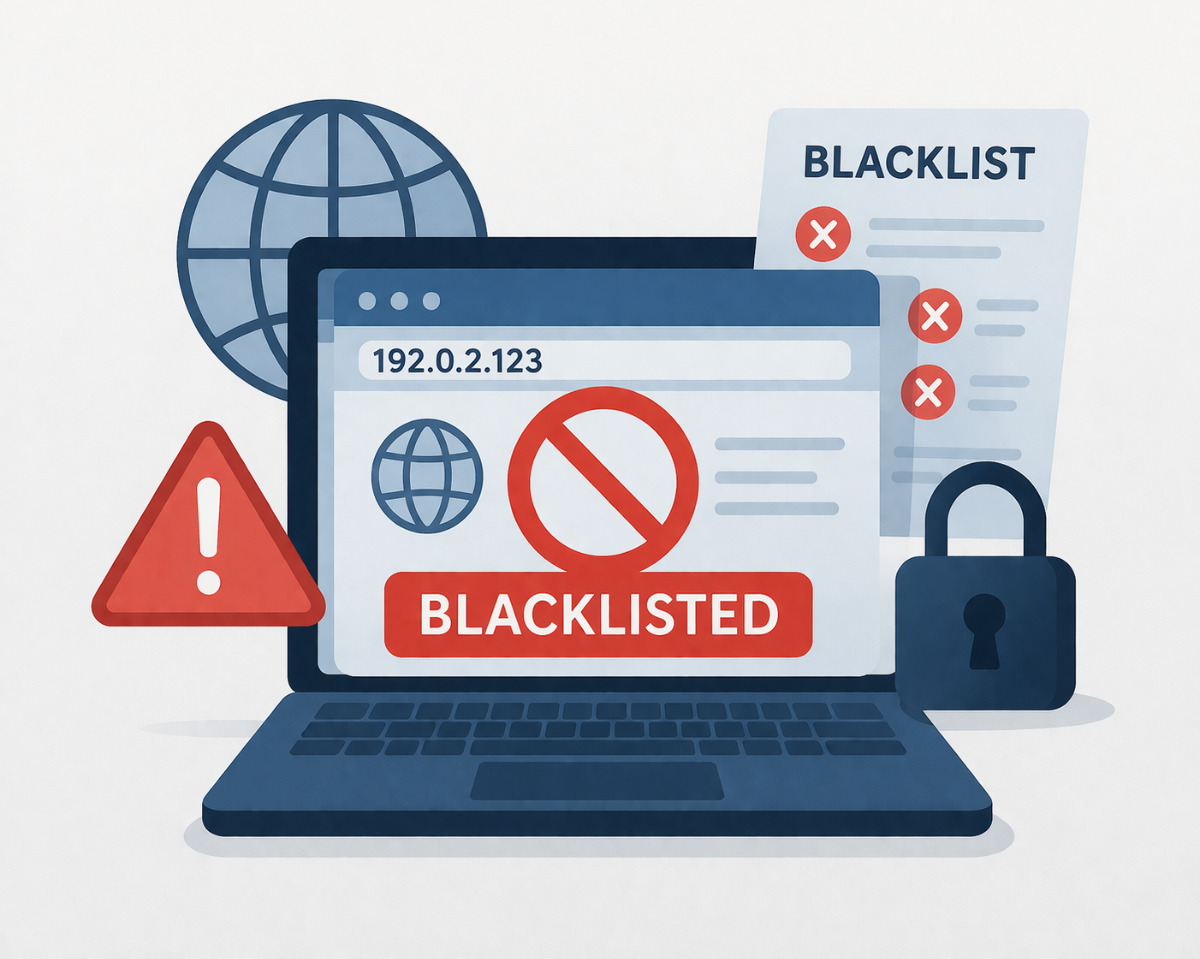
Your public IP address is your network’s unique identifier on the internet.
Think of it like your home’s street address—but for online activity. It allows websites, email servers, and other services to know where to send information.
Cape Connect assigns static IP addresses, which means your connection is given the same IP address every time you connect to our service and the wider internet. This makes your connection consistent—but also means any issues tied to that IP can persist.
What Does “Blacklisted” Mean?
An IP address is blacklisted when it has been flagged for suspicious or harmful activity such as sending spam, hosting malicious content, or engaging in brute-force attacks.
Security systems and internet providers maintain lists of these flagged IPs, often triggered by user complaints, spam traps, or high-volume traffic spikes.. If your IP ends up on one of these lists, some websites and services may block access entirely.
Common Reasons for IP Blacklisting
1. Spam Activity
Sending large volumes of unsolicited emails is the most common cause.
This can happen if:
- An email account is compromised
- Poor email practices are used (like purchased mailing lists)
2. Malware/Botnet or Infected Devices
If a device on your network is infected, it may:
- Send out spam without your knowledge
- Participate in cyberattacks (botnets)
- Communicate with malicious servers
Be cautious of suspicious links or “too good to be true” offers—they are a major source of malware. Don't click on that link saying you have won $2M a year for life. You haven't. However, you will end up with malware installed on your computer.
3. Illegal Streaming Devices
Illegal streaming boxes are our largest cause for concern.
These devices often:
- Contain hidden malware
- Use your internet connection for illegal or harmful activity
- Share your data or bandwidth without your knowledge
A cow on a farm will live in the free accommodation, eat the free food, receive free medical treatment and one day unexpectedly get hauled off to the slaughterhouse to be butchered.
When you have an illegal streaming box, you are the commodity being sold. Your computer is being infected with no end of nasty software. Your details are being stolen and sold off. The streaming box is communicating via peer to peer protocol with other devices, sending spam, partaking in botnet attacks and generally behaving badly. Paying R150 a month for a R1200 a month service makes you the cow on the back of the truck that's off to get butchered.
4. Suspicious or Automated Activity
Repeated failed logins, bots, or excessive automated requests can trigger security systems and lead to blacklisting.
5. Misconfigured Email or Servers
If email systems are not properly set up (missing SPF, DKIM, or DMARC records), even legitimate emails can be flagged as spam.
Cape Connect servers are configured according to generally accepted guidelines.
How Blacklisting Happens
Detection
Security software or platforms (like Spamcop or Barracuda) identify suspicious behavior, such as sending to a "spam trap"—a fake email address used to catch spam.
Listing
Once flagged, the IP is added to a real-time blacklist (RBL) or DNSBL.
Blocking
ISPs and email providers check these lists and block connections from that IP.
Result: You might not be able to access certain services (like banking websites) from your home connection, even though they work elsewhere.
What You Can Do
Check your IP status using tools like:
- WhatIsMyIP.com
- MXToolbox
Scan your devices for malware or viruses
Avoid suspicious links and downloads
Do not use illegal streaming devices
Ensure email systems are properly configured (especially for business users)
Once the issue is resolved, you can request removal from the blacklist through the relevant provider.
IP blacklisting is usually a security measure, not an error.
If it happens, it’s often a sign that something on your network needs attention.
Run a quick malware scan and check your IP status. If the issue continues, contact Cape Connect support for assistance.
-----
From the Archives
How do you put up a very large tower? The easiest is pay someone else to do so. The cheapest is do it yourself.
We have installed a number of towers on mountains, on the sides of buildings, on rooftops over the past 18 years. Some have been 6m high, some 15, and one is around 40 (we paid someone else to put up that one). All of them need a good strong concrete foundation - the Cape wind does not play and will take down anything not properly secured. We've seen it happen in severe storms to a couple of companies who did the bare minimum prepwork and did not take into account the extra load a strong wind puts on a tower full of antennas.
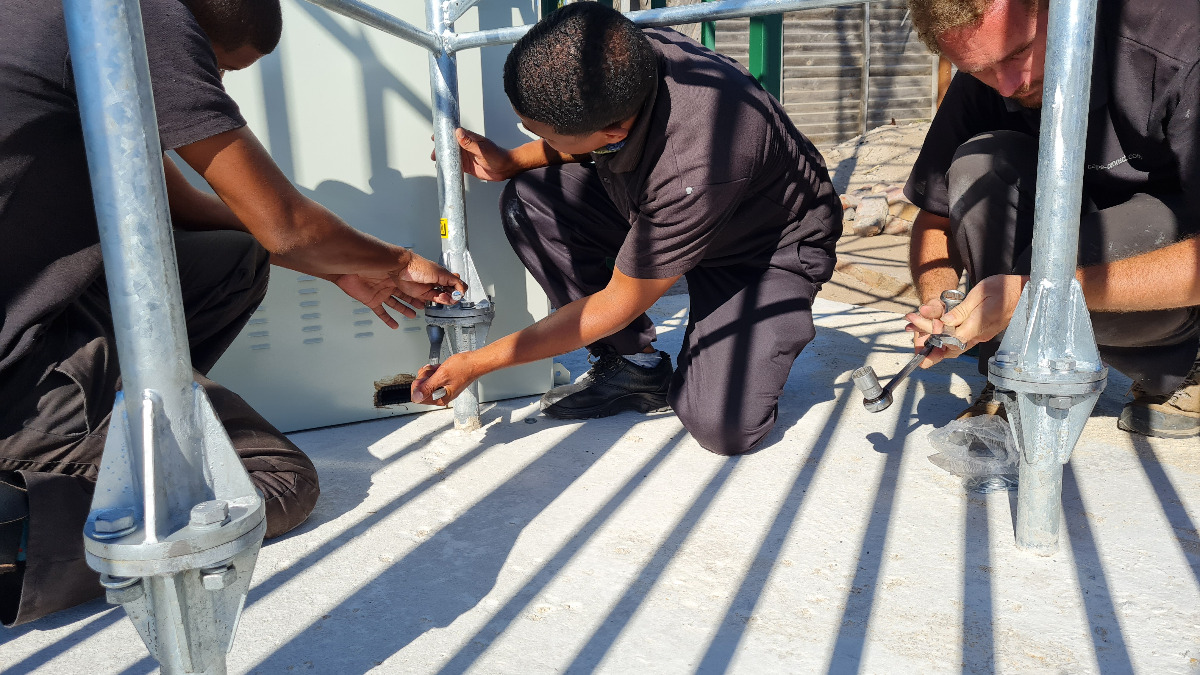
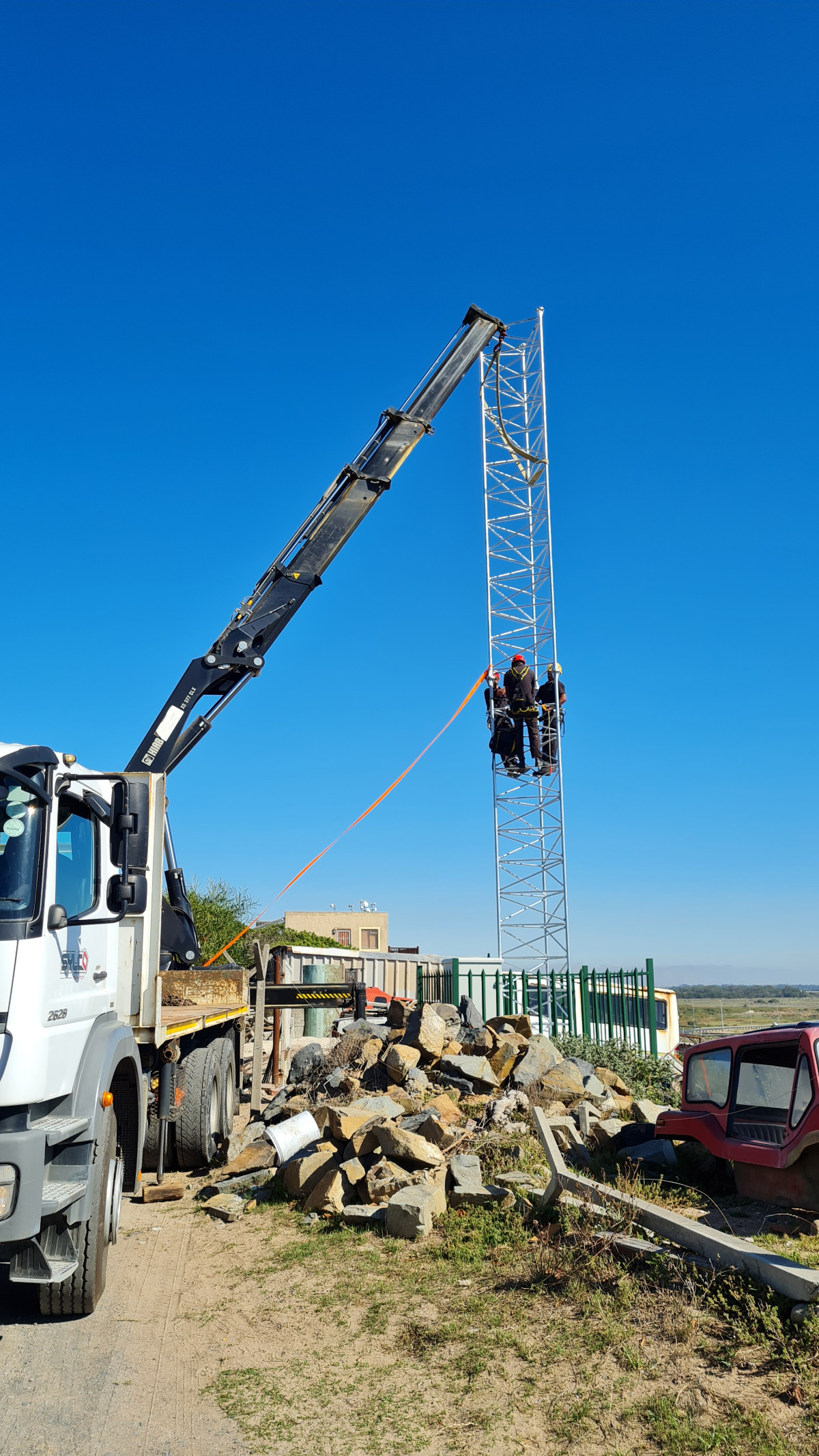
Towers are usually built in sections of around 6m each. These are bolted together on site, adding as many sections as you need to reach the planned height.
In 2021 we installed a new tower in Macassar. Each section had been prefabricated and galvanized, then transported to site on a truck with a built in crane. Our many tons of foundation was ready. The tower base was concreted in perfectly level and aligned. The first section was lifted off the truck, bolted into the base and up climbed the techs. Next section lifted, bolted, repeat while the truck held each section steady. An hour on site, and the tower was up.
Sounds so easy, right?
All it requires is blood, sweat, a few tears, many months of prepwork and absolute pinpoint accuracy.
Shot of the month
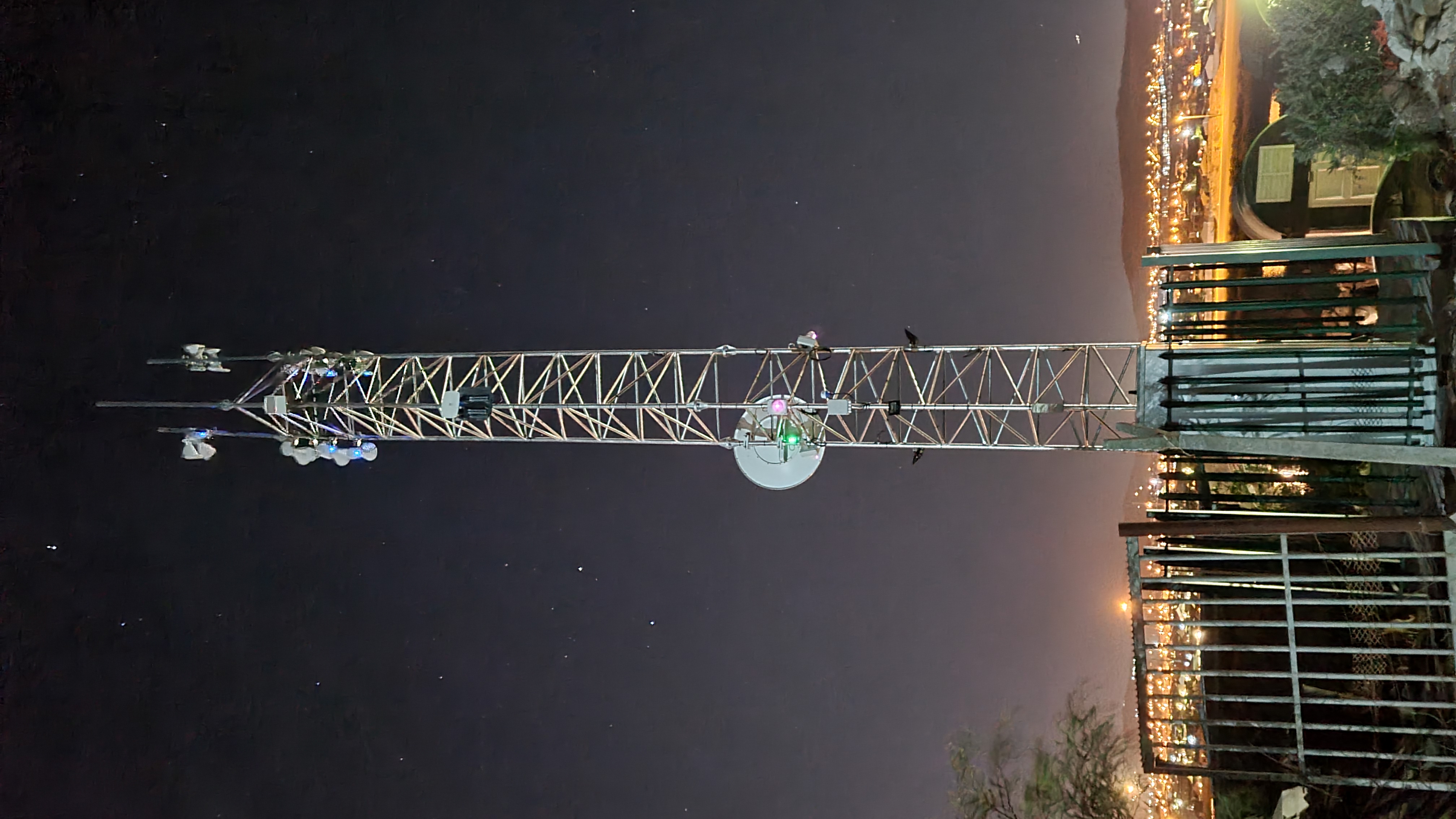
We're often out on site at very odd hours and in very strange places - but this means we get some awesome views. Here's this month's picture perfect shot.
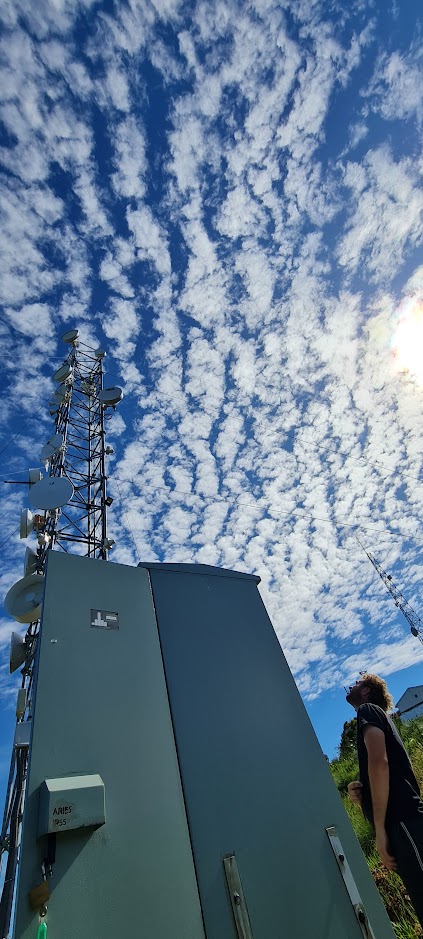
May you have absolutely no fools in your April!

Chief Internet Artisan
Cape Connect Internet (Pty) Ltd
0 comments